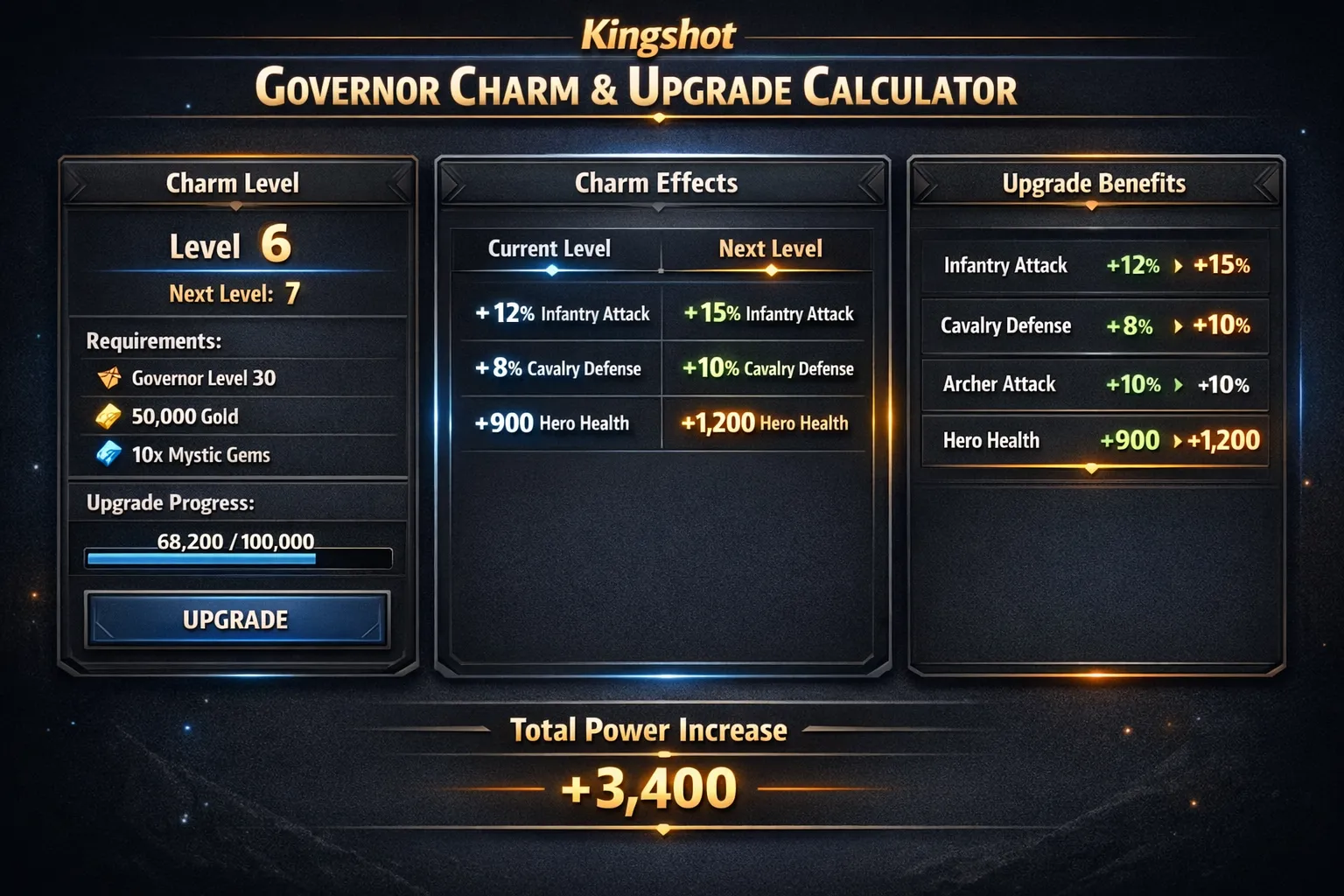
Governor Charms are an important long-term upgrade system in Kingshot. Once the feature unlocks, charms let you strengthen your account by improving combat-focused stats tied to your governor setup. Because these upgrades use limited materials and become more expensive at higher levels, planning ahead is important.
A Governor Charm Calculator helps you estimate the total materials needed before you commit to an upgrade path. That makes it easier to decide whether to push one charm higher, improve several pieces evenly, or pause and invest in another progression system first.
For better overall planning, charm upgrades are often compared alongside other account-growth tools such as governor gear, hero progression, and pet development.
How Governor Charms Work in Kingshot
Governor Charms are not a separate governor leveling system. They are part of your broader governor equipment progression and are upgraded with specific materials rather than generic points.
Key things to know:
Governor Charms unlock when your Town Center reaches the required level.
Charm upgrades use Charm Guides and Charm Designs.
Each upgrade level costs more materials than the previous one.
Charm upgrades are tied to gear-related charm slots rather than a single universal governor charm level.
These upgrades are valuable because they improve key combat stats, especially Health and Lethality.
Because the cost rises sharply at later levels, misjudging the total requirement can slow your progress. A calculator solves that by adding together the materials required from your current level to your target level.
Tools like the Pets Upgrade Calculator can help you decide which pets will support your governor’s abilities for maximum efficiency.
Use the Governor Charm Calculator
Governor Charm Calculator
Premium Governor Charm Planner
Select gear, set current and target charm levels, subtract inventory, and instantly preview total material requirements and optional stats.
Bulk Upgrade Actions
Inventory
Gear & Charm Setup
Gem 1
Gem 2
Gem 3
Gem 1
Gem 2
Gem 3
Gem 1
Gem 2
Gem 3
Gem 1
Gem 2
Gem 3
Gem 1
Gem 2
Gem 3
Gem 1
Gem 2
Gem 3
Total Charm Guides Required
0
Total Charm Designs Required
0
Remaining Guides Needed
0
Remaining Designs Needed
0
Optional Stat Preview
Per-Charm Breakdown
How to Use the Governor Charm Calculator
Select the charm piece or gear item you want to upgrade.
Enter the current charm level.
Enter the target charm level.
If your tool supports it, enter how many Charm Guides and Charm Designs you already have.
Click Calculate to see the total materials required.
The calculator adds up the cost of every upgrade step between your starting level and your target level. If your tool supports multiple selections, you can also estimate the materials needed for several charm upgrades at once.
Example Scenario
Suppose one of your charm pieces is currently at level 5 and you want to upgrade it to level 10.
The calculator will:
add the material cost for each step from level 5 to level 10,
show the total number of Charm Guides required,
show the total number of Charm Designs required,
and help you decide whether you already have enough materials or need to save more before upgrading.
This makes it much easier to plan ahead instead of starting an upgrade path and running short halfway through.
Smart Governor Charm Upgrade Strategies
Focus on Efficient Breakpoints
Higher charm levels become much more expensive, so it is often better to compare the next upgrade carefully instead of upgrading blindly. Sometimes a smaller upgrade gives better value for your current resources.
Avoid Spreading Materials Too Thin
Upgrading too many charm pieces at once can slow down your overall progress. In many cases, it is more efficient to focus on the charm upgrades that best support your account’s role and current goals.
Compare Charms Against Other Progression Needs
Charm materials are valuable, so it helps to compare charm upgrades against other systems such as governor gear, heroes, pets, or event-driven progression. The best option is not always the one that gives the highest immediate power increase.
Plan Around Material Availability
Since Charm Guides and Charm Designs are limited resources, it is smart to upgrade when you know you can complete a meaningful step instead of making partial progress without a clear target.
Frequently Asked Questions
How does the calculator determine the total materials needed?
It adds together the cost of each individual upgrade step between your current charm level and your target charm level. This gives you the full material requirement instead of forcing you to estimate it manually.
Do Governor Charms use charm points?
No. Governor Charm upgrades are based on upgrade materials, mainly Charm Guides and Charm Designs, not generic charm points.
Is there one single governor charm level?
No. Charm progression is tied to individual charm pieces or gear-related charm slots, so calculations are usually done per selected item rather than through one universal charm level.
Why do later charm levels feel much more expensive?
Because charm costs scale upward as levels increase. Early upgrades are relatively manageable, but later levels require much larger material investment, which is why a calculator becomes more useful over time.
Should I upgrade every charm evenly?
Not always. In many cases, it is better to prioritize the upgrades that give the best return for your current account role, available materials, and progression plan.
How do Governor Charms help overall account growth?
Governor Charms improve important combat stats, which strengthens your account over time. When upgraded efficiently, they become a strong part of your broader long-term progression strategy.